Your cart is currently empty!
Tag: self-publishing formatting tips
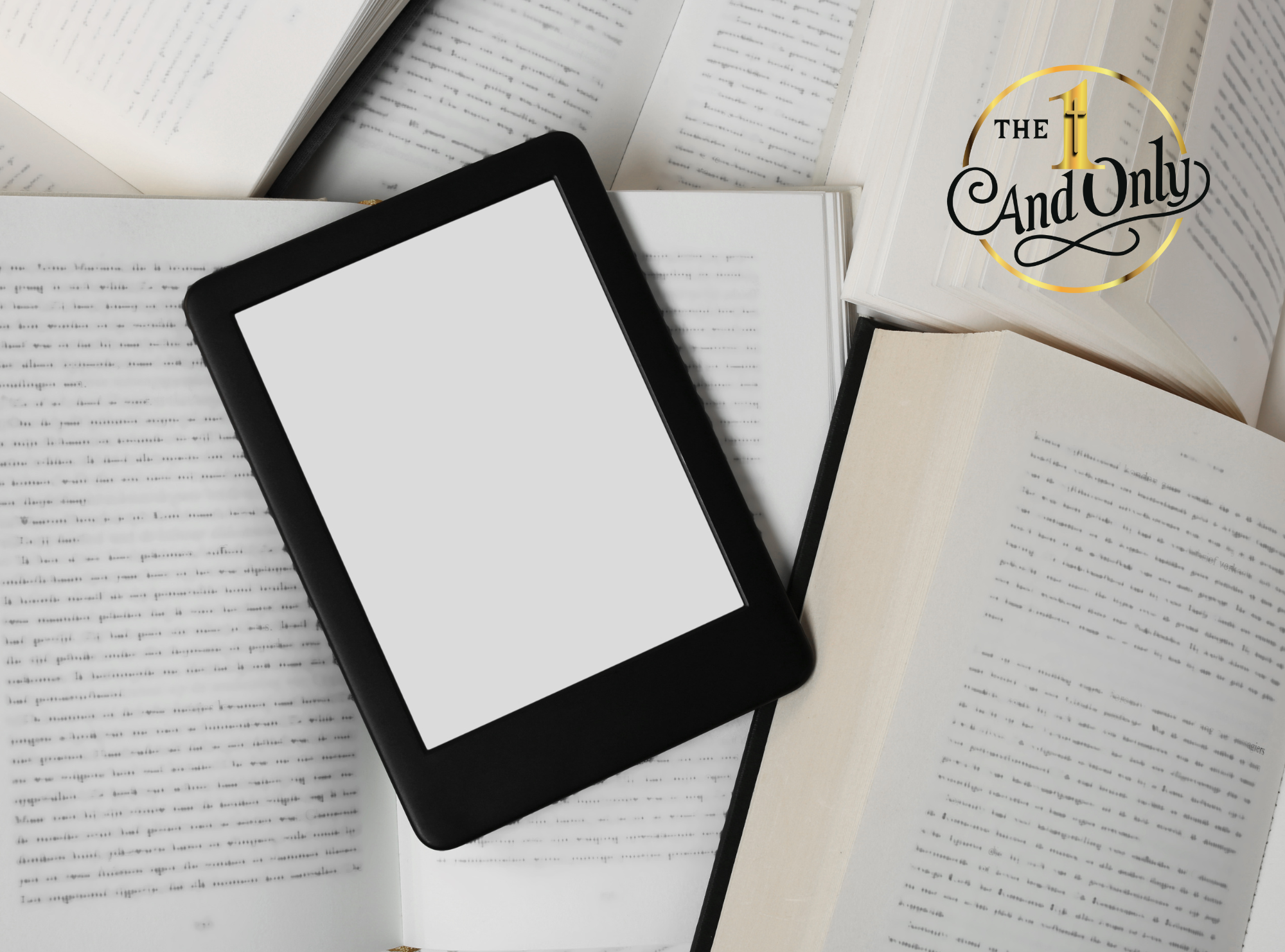
Book Formatting Made Simple: Print vs. eBook Differences Explained
You’ve written your manuscript, and now it’s time to prepare it for readers. But here’s the catch: formatting isn’t one-size-fits-all. The way you prepare your book for print is very different from how you format it for an eBook.
If you’ve been wondering how to format a book or what makes book formatting for print and eBook unique, this guide breaks it down in simple terms.
Why Formatting Matters
A well-formatted book enhances the reader’s experience. Poor formatting—uneven spacing, inconsistent fonts, awkward page breaks—can make your book look unprofessional, no matter how great the story is.
Formatting ensures your book is clean, readable, and polished, whether it’s held in someone’s hands or displayed on a screen.
Key Differences Between Print and eBook Formatting
1. Layout and Design
- Print Books: Fixed layout. Every page looks exactly the same for every reader. You can control margins, page numbers, headers, and chapter breaks.
- eBooks: Flexible layout. Text reflows depending on the reader’s device and font size preferences. Instead of strict page numbers, eBooks rely on location markers.
2. Fonts and Styles
- Print: You choose fonts, spacing, and alignment, and they stay locked in place.
- eBook: Readers can often adjust fonts and sizes, so it’s best to keep formatting simple and consistent.
3. Images and Graphics
- Print: High-quality images print beautifully, but they increase production costs.
- eBook: Images must be optimized for digital use to avoid slow loading or awkward placement.
4. Page Numbers and Headers
- Print: Every page includes numbers, headers, or footers—part of the book’s design.
- eBook: Page numbers are not fixed, so most eBooks avoid headers and instead rely on clickable navigation (like a linked table of contents).
5. File Types
- Print: Usually submitted as a PDF, preserving your exact layout.
- eBook: Uses reflowable file types such as EPUB or MOBI to adapt to devices.
How to Format a Book for Print
- Use standard fonts like Times New Roman or Garamond.
- Set proper margins and gutter spacing for binding.
- Justify text for a professional look.
- Add page numbers, running headers, and section breaks.
- Export your final manuscript as a print-ready PDF.
How to Format a Book for eBook
- Keep formatting clean and minimal.
- Use a single, consistent font style.
- Create a clickable table of contents.
- Avoid large images or complex layouts that won’t translate well to smaller screens.
- Export your file as EPUB (widely supported) or MOBI (for older Kindle devices).
Can You Use the Same File for Both?
Not usually. Print and eBook files serve different purposes and readers expect different experiences. Most authors need two separate formatted versions: one for print, one for digital.
Final Thoughts
Formatting might feel like a technical step, but it’s one of the most important in making your book professional. Understanding the differences in book formatting for print and eBook helps you prepare your manuscript for both markets and maximize your reach.
At The 1 and Only Publishing, we guide authors through every step of the publishing process—including formatting—so your book looks polished no matter how it’s read.
Connect with The 1 and Only Publishing
Website: www.the1andonlypublishing.com
Instagram: @the1andonlypublishing
Facebook: The 1 and Only Publishing
YouTube: The 1 and Only Publishing